From PDF Pages to Questions You Can Practice
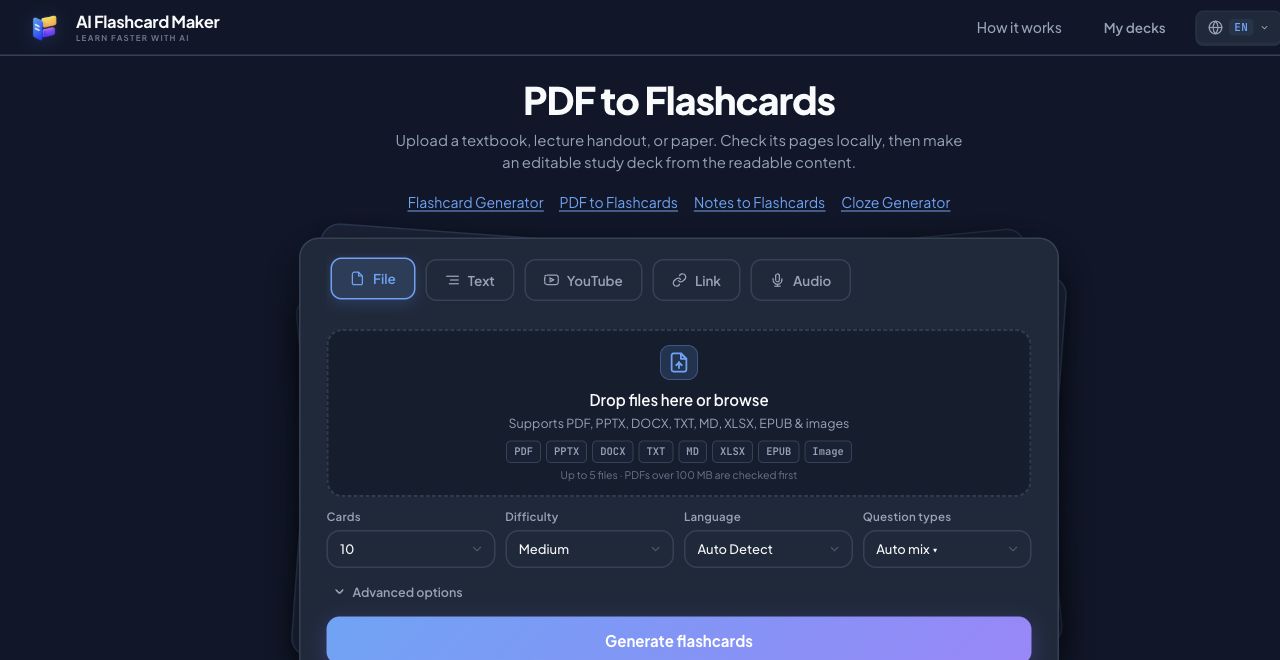
Select a PDF in the File / PDF tab. The browser checks the document before you ask the AI to generate cards, so you can see whether it opens and how many pages it contains. A digital PDF with selectable text follows the direct extraction path. This is generally faster than rendering every page as an image. The extracted text is labeled by page and combined into a single source for the deck. If you select several related files, the interface keeps their order and creates one combined deck rather than a separate deck for each upload.
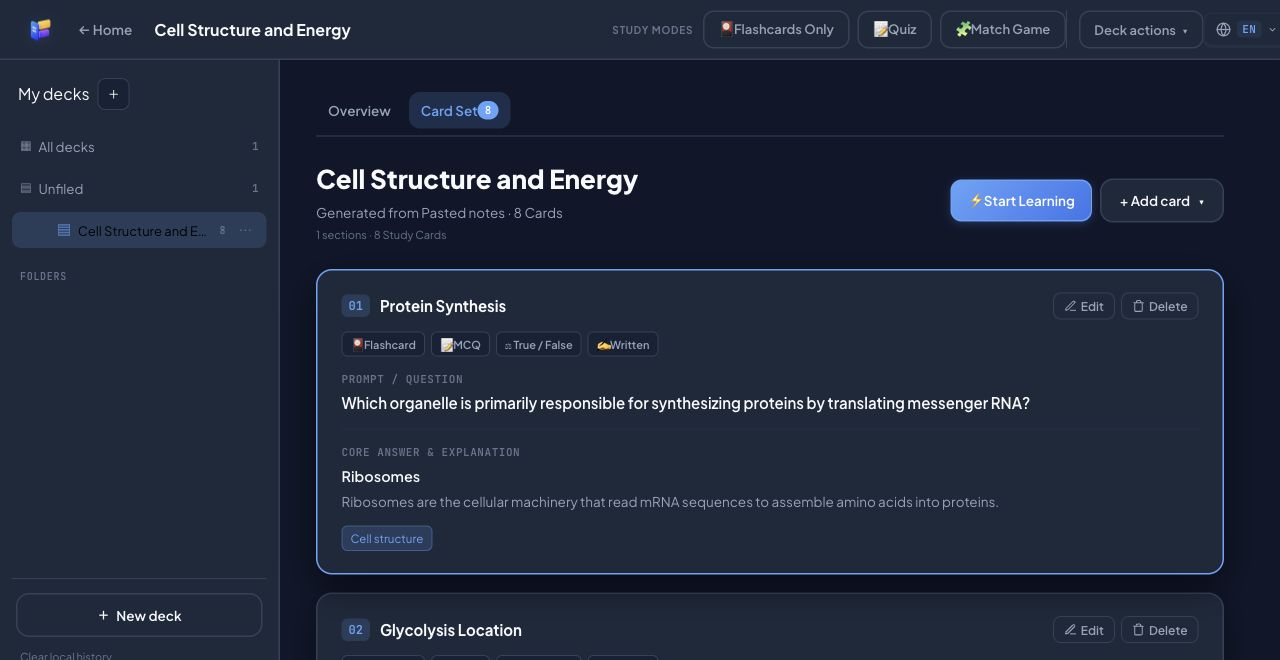
After the local check, choose Auto or a fixed target of 10, 20, 30, 40, or 50 cards. Review the generated questions, answers, and source labels before studying. Edit anything vague or overly broad. A card based on one paragraph may need its surrounding context; the source page gives you a way to return to the original PDF and check it. Each generation batch is limited to 210,000 extracted characters and shows its actual text count before the AI request. If a selection is over budget, narrow the PDF page range and generate another batch into the same deck. Each batch uses one daily generation; exact and conservative near-duplicates are skipped, but this does not guarantee complete coverage of every source.
Scanned Pages, Handwriting, Diagrams, and Limits
A scanned or image-only PDF has little or no selectable text. Those pages take a different route: the browser renders the page and runs local OCR with English and Simplified Chinese language support. OCR can miss handwriting, tiny print, or equations. On a device with supported WebGPU capabilities, graphic-heavy pages may also receive local visual analysis. Treat any description of a chart or diagram as a draft interpretation, not a verified reading of the image. Open the PDF beside the generated deck when a visual detail matters.
There is no fixed page-count rejection for a PDF. A file over 100 MB triggers an early warning and a local check rather than an automatic size-based refusal. The practical limit is the work needed to parse, render, and recognize pages on your device, plus the text budget for one generation batch. You can select a page range after checking a long PDF. Encrypted PDFs that the parser cannot open, damaged files, or pages whose content cannot be recognized will show an error or incomplete extraction; the app cannot promise to unlock them. The card generator cannot reliably preserve a mathematical layout or intricate figure as an editable diagram.
A Practical PDF Study Workflow
First select the PDF and wait for the page status. If it is large or scan-heavy, allow extra time for local recognition and keep the tab open. Second, narrow the page range when the document covers unrelated topics or exceeds the batch text budget. Third, choose a card count and generate. Finally, inspect several cards from the beginning, middle, and end of the source before a quiz or spaced repetition session. Export a copy if you plan to clear browser data; the working deck itself is stored on this device.
PDF Upload and OCR Test Results
On 13 October 2026, a browser test uploaded a two-page Bio LibreTexts course PDF. The browser extracted selectable text from both pages, marked zero pages for recognition, and generated five editable cards with page labels. The test used Qwen3.7 Flash; exact stage timings were not captured, so this is not a speed claim. Manual review found three answers supported by the excerpt and two that added definitions needing source verification. This single run has no pre-registered rubric and is not an accuracy or coverage rate.
A separate one-page image-only scan simulation was checked in the browser: precheck marked one page for recognition, local OCR completed, and the app generated three cards. The visible source label retained the chapter heading but omitted the filename and page number. One answer expanded a learning objective beyond what was independently verified. The scan is a rasterized simulation from a licensed textbook page, not a photograph of a physical scan.
Reproduce the course check with the two-page course PDF, compare the saved five-card result against its cited pages, and see the visible fields from the OCR run. The sample license and attribution explain which files are CC0 and which adapt CC BY material. Each result is one run and may differ across devices or model versions.
A five-file PDF, DOCX, PPTX, XLSX, and EPUB set was uploaded in ego Lite on 13 October 2026. The precheck marked every file Ready; the one-page PDF needed no OCR, and EPUB reported one chapter. Auto generated five cards, and the deck retained all five filenames. In the saved result, card-level source labels cover PDF, DOCX, PPTX, and XLSX, but not EPUB. The EPUB's two unique facts were absent, so this run does not show full coverage or traceability for every source.
Each batch accepts up to 210,000 extracted characters. If a selection exceeds that amount, choose a smaller page range or fewer files, then append another batch to the same deck; each batch uses a daily generation. Very long multi-file selections may also need to be split by file or page range to keep source citations distinct. On 13 October 2026, a 299 KB, 72-page sample PDF with selectable text and no OCR pages was checked. Selecting all pages showed 235,752 extracted characters and stopped before sending text to the model. Pages 1–10 generated 24 cards in a new deck; pages 11–20 then appended 27 cards to that deck. The 72-page PDF, first-range result, and two-batch result are available. The sample repeats the same ten core facts across its pages, so this validates the budget and append workflow, not broad textbook coverage. Some concepts recur with changed question or answer wording; this run does not establish semantic deduplication.
The saved export showed one batch even though two page ranges were processed. The app now records each range as a separate batch and retains its page range. Card sources in the observed run stayed within the selected ranges, but repeated facts in this sample do not demonstrate comprehensive page-by-page citation.
A separate text-only sample check extracted two original one-page PDFs and sent page-labeled text through Qwen3.7 Flash. Ten requested cards yielded eight cards in 12.33 seconds for the generation call. That check does not measure upload, OCR, large-file, or competitor performance.
On 14 October 2026, a follow-up run used the same five CC0 files with the interface in Chinese and output language set to Auto Detect. All five files passed precheck; the one-page PDF had 232 selectable characters and needed no OCR, and EPUB reported one chapter. The generator returned five English cards. The saved English result cites four of five files; EPUB is still missing. A focused recovery step has since been added for uncited files when the chosen card count can represent them. It can make one additional model call, and its result has not yet been checked in a live run.
When adding another batch, the app filters exact duplicates and cards with strongly overlapping wording, but similar topics can still produce repeated cards. DOCX sections retain heading context and table rows. Review generated cards against their cited sources before studying.
For the sample files, methods, and remaining test limits, see the complete test record.